
Celebrate Gotcha Day With a Thank-You From Your Pet
Your rescue pet thanks you for giving them a home and so much love. A heartfelt keepsake for the day everything changed for both of you.
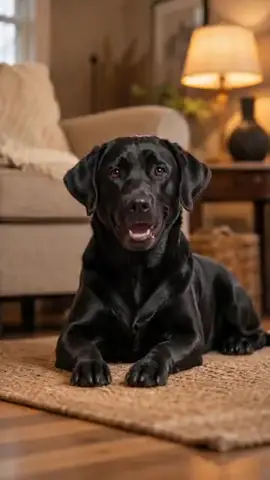
The WigglePet Gotcha Day template celebrates a pet adoption anniversary. From one photo, your rescue pet appears in a cozy scene and says "Happy Gotcha Day! Thank you for giving me a home and so much love," with room for your own extra words. You approve the voice before the video is made, then share it with the rescue community or your family.
How the Gotcha Day Template Works
“Happy Gotcha Day! Thank you for giving me a home and so much love.” Plus your own words.
- 1
Pick your pet
One photo is enough: dog, cat, or any pet. Fill in a couple of fields to personalize the message.
- 2
Listen & approve
Hear your pet's voice saying the line before anything is generated. Approve it or retry until it's right.
- 3
Share the video
Your pet appears in the scene you chose, speaking your message, as a phone-native vertical video ready to send.
Ways to Use Gotcha Day
Adoption anniversary
Mark your rescue pet’s adoption day with a shareable video.
#GotchaDay content
Instagram and TikTok posts the rescue community loves.
Your adoption story
A heartfelt keepsake of the day they came home.
Choose Your Scene
Every Gotcha Day video places your pet into a themed background. Green screen lets creators drop their talking pet into their own footage.
Frequently Asked Questions
What is a Gotcha Day video?
A Gotcha Day video celebrates the anniversary of the day you adopted your pet. In WigglePet, your pet thanks you on camera for their forever home, a favorite in rescue and shelter communities.
How does the Gotcha Day speech template work?
Pick your pet (one photo is enough), fill in a couple of fields, and choose a background scene. WigglePet composes the spoken line, you listen to your pet's voice and approve it, and the app generates a short vertical video of your pet speaking the message, ready to share.
Can I hear the voice before the video is made?
Yes. WigglePet plays the audio of your pet saying the line before any video is generated. You approve it, or retry with changes, so the final video always sounds right.
Does it work with cats, dogs, and other pets?
Yes. Any pet works from a single photo: dogs, cats, rabbits, birds, hamsters, and more.
What languages can my pet speak?
Templates are localized: your pet speaks your app language with a matching voice, so the message sounds natural in your language.
Can I use my own background?
Yes. Every template includes a green screen scene, so creators can drop their talking pet into any footage, plus a clean white studio scene.
More Speech Templates
 Love
Love Thank You
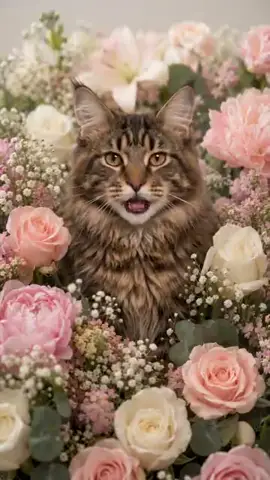
Say thanks in a way no one forgets: your pet thanks someone by name in a warm scene with flowers or hearts.
 Love
Love I Love You
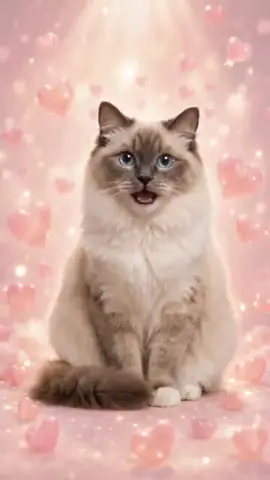
Your pet says 'I love you' by name in a warm scene of floating hearts or a sunset.
 Celebrate
 It's My Birthday!
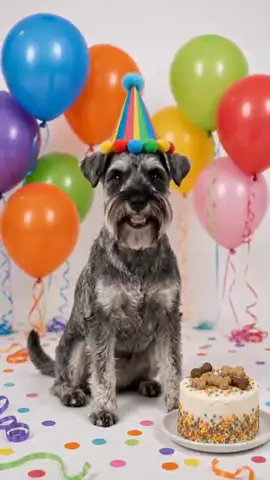
Let your pet announce their own birthday to the world with cake, balloons, optional age candles and a party costume.
Browse all 29 speech templates · Pet adoption announcement videos · Make your pet talk
Try the Gotcha Day Template
Download WigglePet free and turn one photo of your pet into a talking video in minutes.
 Scan to download